Open the current file (or lines) in remote git repository.
| .github/workflows | ||
| doc | ||
| gifs | ||
| lua/openingh | ||
| plugin | ||
| tests | ||
| .luacheckrc | ||
| .pre-commit-config.yaml | ||
| LICENSE | ||
| Makefile | ||
| README.md | ||
| stylua.toml | ||

openingh.nvim
Opens the current file or project page in GitHub.




-
Features
- Supports macOS, Linux, Windows and WSL
- Works with detached HEAD and supports checked out branches or forks
- Automatically selects the correct line number on the file page
- Supports GitHub, GitHub Enterprise, GitLab, and Bitbucket
-
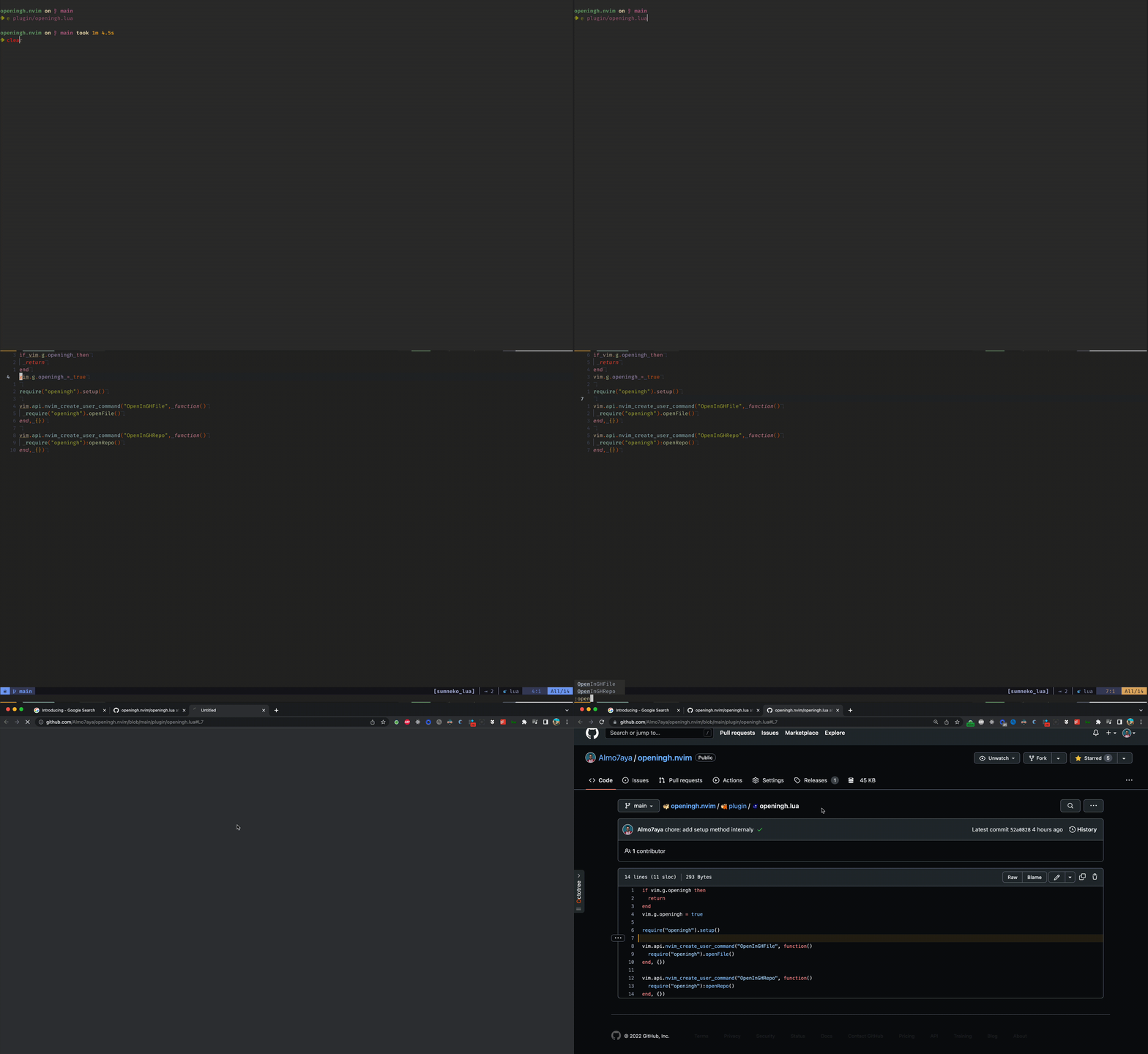
Demo
Requirements
- Neovim 0.7.2+
Installation
Example with Packer
-- init.lua
require("packer").startup(function()
  use "almo7aya/openingh.nvim"
end)
Commands
-
:OpenInGHRepo- Opens the project's git repository page in GitHub.
-
:OpenInGHFile- Opens the current file page in GitHub.
Usage
You can call the commands directly or define mappings them:
-- for repository page
vim.api.nvim_set_keymap("n", "<Leader>gr", ":OpenInGHRepo <CR>", { expr = true, noremap = true })

-- for current file page
vim.api.nvim_set_keymap("n", "<Leader>gf", ":OpenInGHFile <CR>", { expr = true, noremap = true })
TODO
- Support the current file cursor position
- Support visual mode to open a file in range selection
- Support other version control websites
Contribution
Feel free to open an issue or a pull request if you have any suggestions or improvements