| doc | ||
| gifs | ||
| lua/openingh | ||
| plugin | ||
| tests | ||
| .gitignore | ||
| .luacheckrc | ||
| .pre-commit-config.yaml | ||
| LICENSE | ||
| Makefile | ||
| README.md | ||
| stylua.toml | ||

openingh.nvim
Opens the current file or project page in the web interface of the remote.

-
Features
- Supports macOS, Linux, Windows and WSL
- Works with detached HEAD and supports checked out branches or forks
- Automatically selects the correct line number on the file page
- Supports GitHub, GitHub Enterprise, GitLab, and Bitbucket
-
Demo
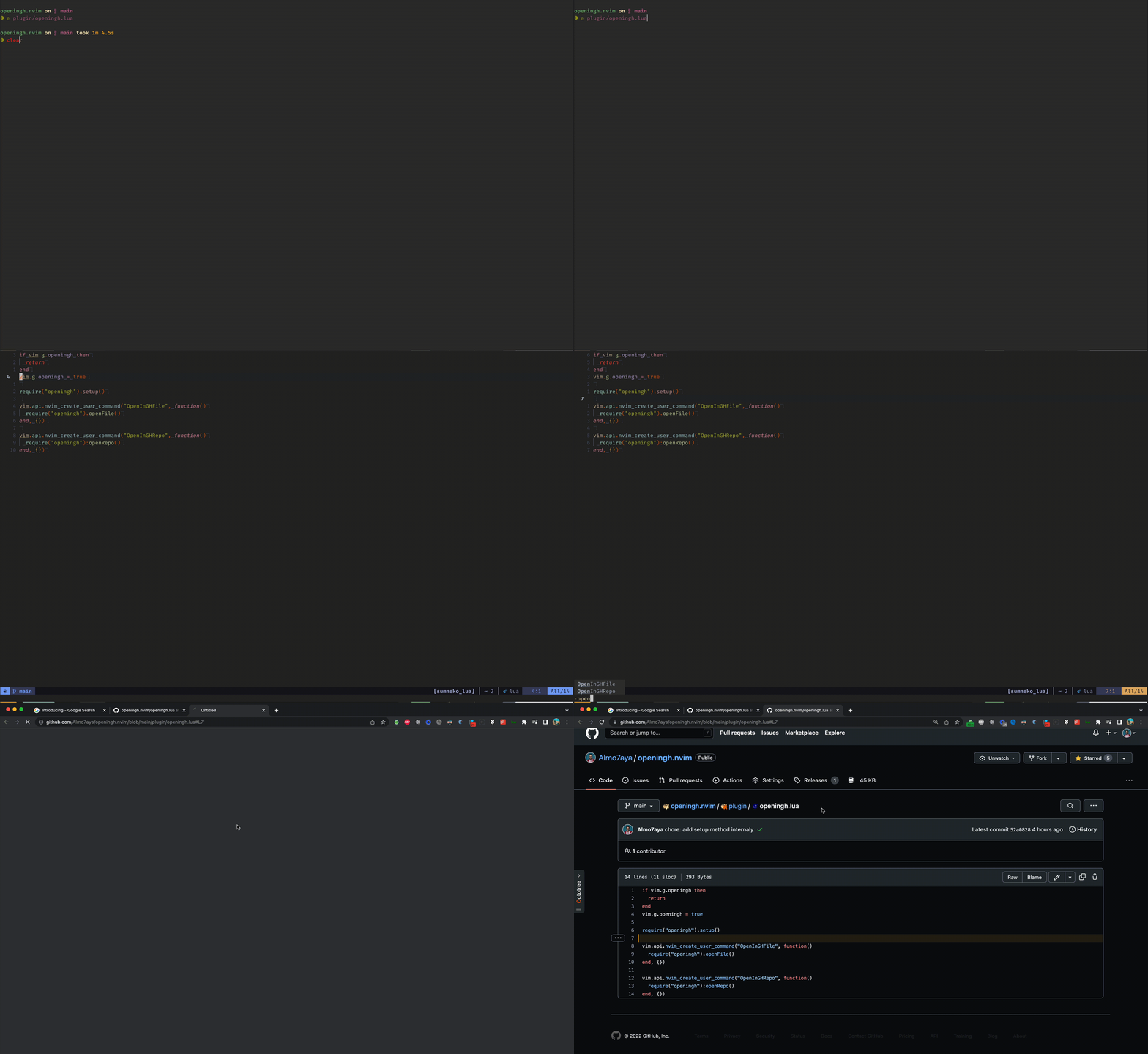
Requirements
- Neovim 0.7.2+
Installation
Example with Packer
-- init.lua
require("packer").startup(function()
  use "https://gitea.gwairfelin.com/max/openingh.nvim"
end)
Example with lazyvim
return {
  {
    "https://gitea.gwairfelin.com/max/openingh.nvim",
    keys = {
      {
        "<leader>gB",
        "<cmd>OpenInGHFile!<cr>",
        desc = "Open this file in the git remote",
      },
      {
        "<leader>gB",
        "<cmd>'<,'>OpenInGHFileLines!<cr>",
        desc = "Open these lines in the git remote",
        mode = "v",
      },
    },
  },
}
Commands
-
:OpenInGHRepo- Opens the project's git repository page in the remote.
-
:OpenInGHFile- Opens the current file page in the remote.
-
:OpenInGHFileLines- Opens the current file page in the remote, with the lines highlighted. This command supports ranges.
Registers
All of the commands above optionally take a register, e.g. :OpenInGHFileLines+.
In this case, the URL will not be opened in the browser, but put into the register given.
This is especially useful if you're running neovim on a remote machine, but want to open the URL locally.
Priority
At first, this plugin try to identify the page url based on the current branch you are working in, and if it fails then switches its base to commit.
This behavior can be inverted via bang !, e.g. :OpenInGHFile!.
Since commit based url tends to have long durablity compared to branch based one, it can be useful in some situation. It won't be affected by subsequent commits, branch deletion after merge, and so on.
Usage
You can call the commands directly or define mappings them:
-- for repository page
vim.api.nvim_set_keymap("n", "<Leader>gr", ":OpenInGHRepo <CR>", { silent = true, noremap = true })

-- for current file page
vim.api.nvim_set_keymap("n", "<Leader>gf", ":OpenInGHFile <CR>", { silent = true, noremap = true })
vim.api.nvim_set_keymap("v", "<Leader>gf", ":OpenInGHFileLines <CR>", { silent = true, noremap = true })
TODO
- Support the current file cursor position
- Support visual mode to open a file in range selection
- Support other version control websites
Contribution
Feel free to open an issue or a pull request if you have any suggestions or improvements